
AI Photo Culling Software
- #Photography
AI photo culling for wedding and event photographers on iOS, Android and web. It scores every frame for focus, exposure and facial expressions, groups similar shots and returns a ranked shortlist in about twenty minutes.
- Computer Vision
- Machine Learning
Impact
The client's product, Album Refiner, targets photographers who come home with two to five thousand frames per event. Culling a 3,000-frame wedding in Lightroom took six to eight hours, and standards slipped as the evening went on.
We built an AI culling app where the model proposes and the photographer decides. It runs on-device on iOS and Android and in the browser, learns each photographer's preferences and syncs sessions across devices.
Services we provided
AI/ML Model Development
Mobile App Development
Web App Development
Backend Development
UI/UX Design
QA and Device Testing
Tech Stack

Python

Pytorch

FastAPI

PostgreSQL

AWS
Challenges and Solutions
🧐 Challenges
- Sharpness alone does not make a keeper: the model had to read subject focus, exposure and expressions across raw files from 20+ camera bodies.
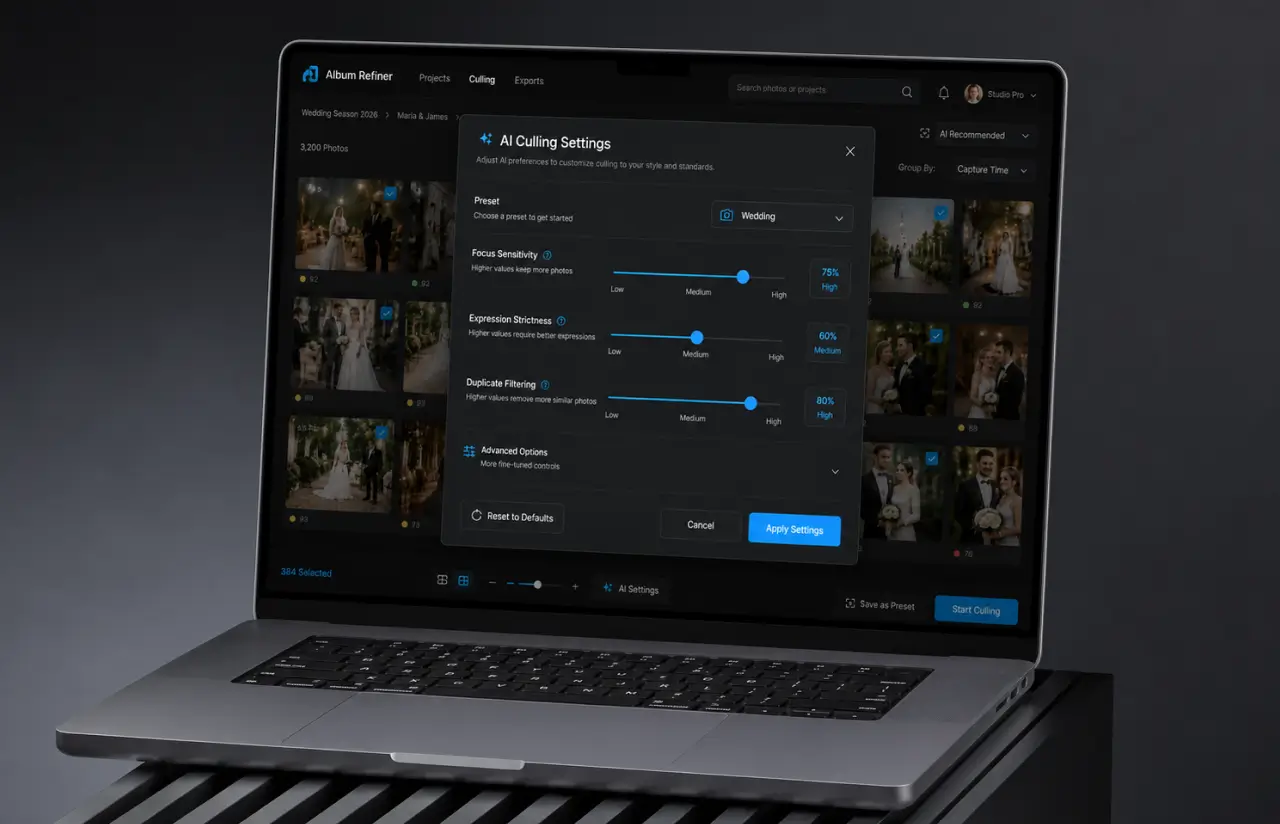
- Two photographers reject opposite frames from the same burst, so one fixed scorer would argue with both.
- Scores had to match on phone and laptop, and the first pass had to run with no internet connection.
💡 Solutions
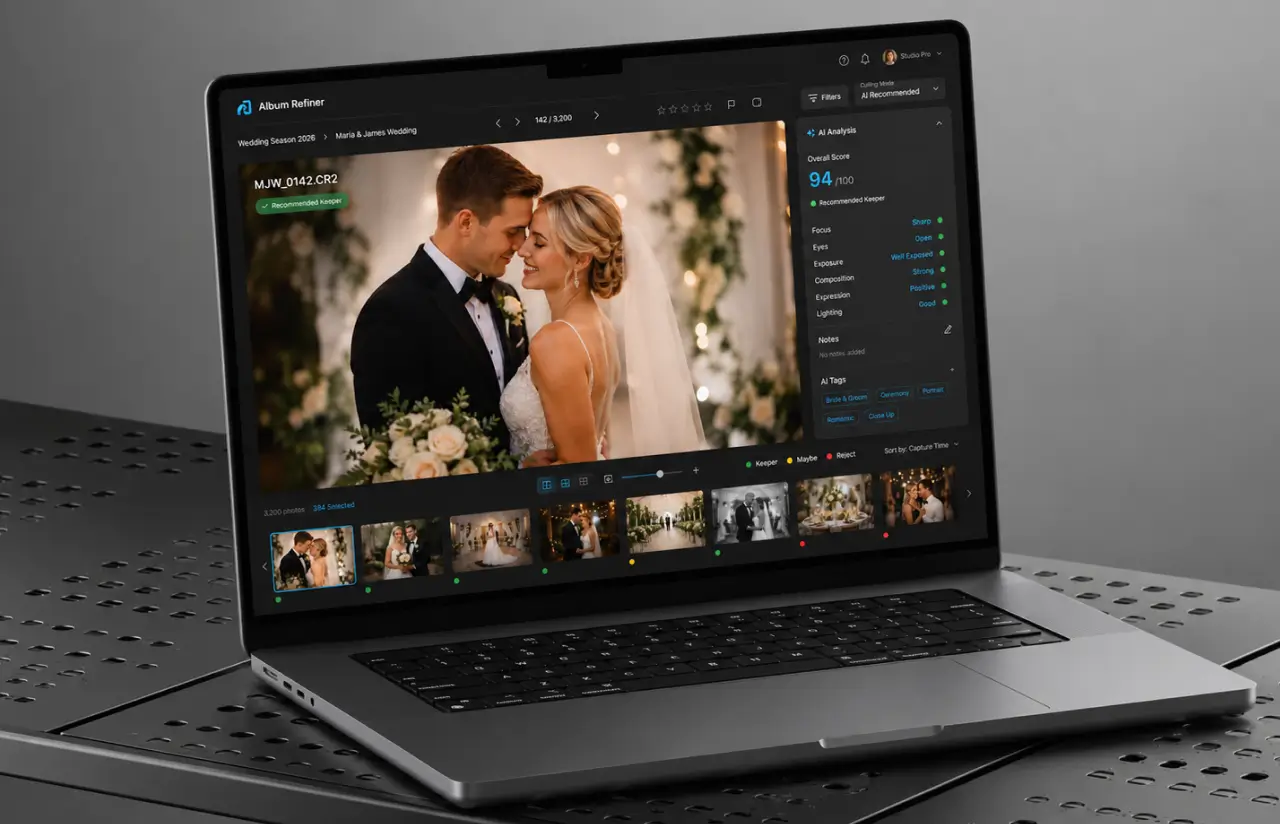
- Every frame is checked on 12 quality signals, including focus, exposure, noise, motion blur, closed eyes and framing.
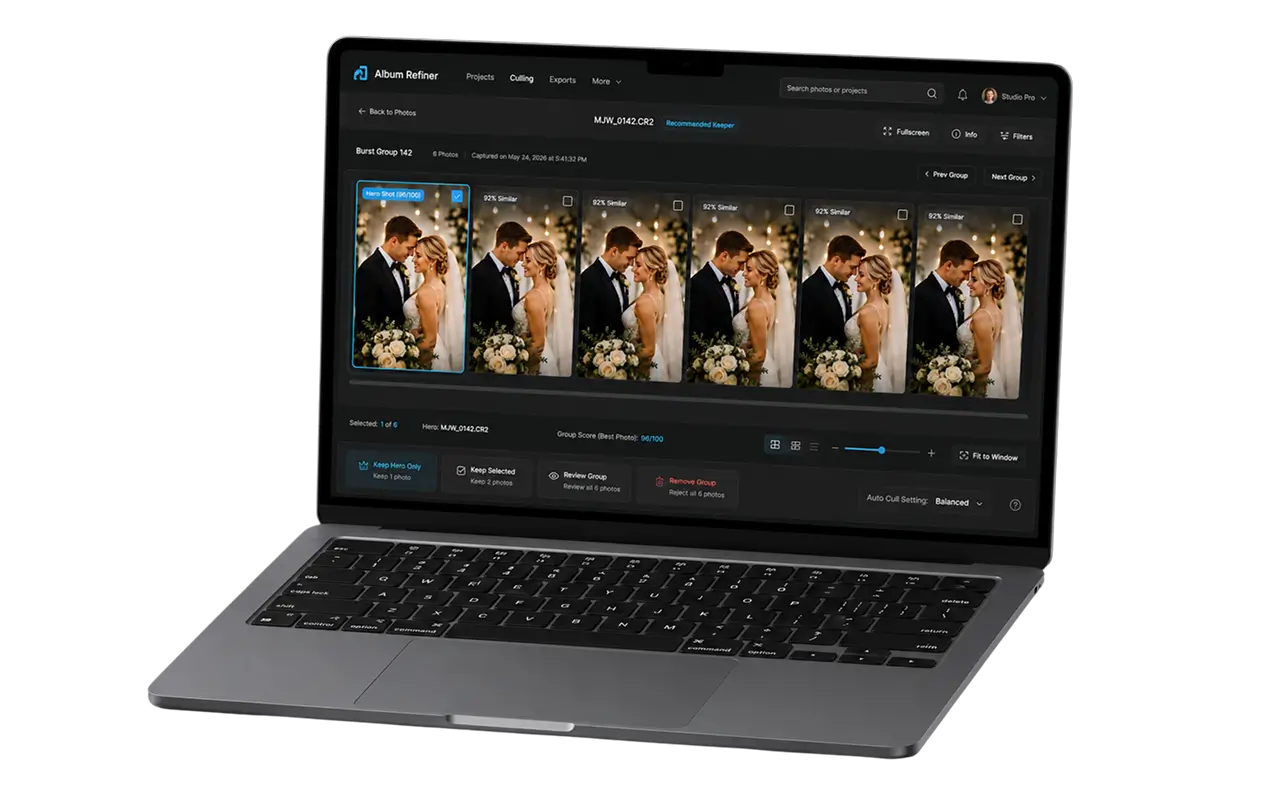
- Similar shots are grouped into bursts and ranked, so the photographer reviews a group instead of each near-duplicate.
- A per-user preference profile learns from accepts and rejects and saves as a preset per shoot type.
- The model runs on-device through ONNX Runtime, at about 250 ms per raw image on a phone and 90 ms on desktop.
- Keepers are organized into albums split by event, time and people.
- Sessions sync across devices in under two seconds at p95 and resume on the exact frame.
Business value
- Up to 96% reduction in sorting time: a 3,000-frame shoot reviewed in about 20 minutes.
- 92% agreement with the photographer's own picks after roughly 150 corrections, up from 74% on the first run.
- 12 quality signals checked on every individual frame.
- ~35% of a typical shoot collapsed into groups.
- False rejects below 3% on a 4,000-image holdout set.
- 3 platforms running on one shared codebase.
User flow